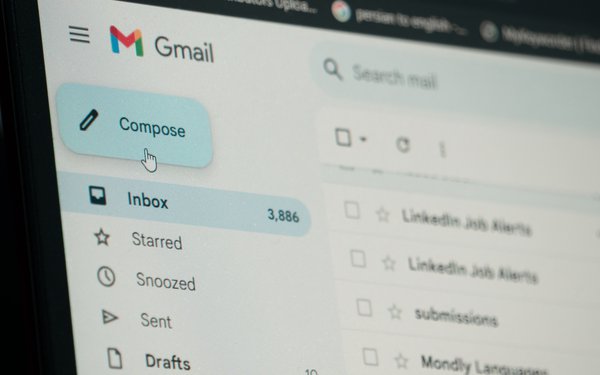
Google has launched the U.S. rollout of its feature that allows
users to change their user names.
“Your digital identity just got an upgrade,” Gmail said in an advisory on Tuesday. “You can now change your Google Account user name
(i.e., the part before @gmail.com), which you use to sign in to apps and services like Gmail, Photos, Drive and more.”
It adds, “The ability to change a user name is available now
for all Google Account users in the U.S.
Gmail members can also keep the old messages, allowing them to change their addresses without losing anything.
This may be useful for people who created usernames that now embarrass them.
Google advises users, “Your Google Account email is the address you use to sign into Google services
and to identify your account to you and others. If you choose, you can change your Google Account email that ends in gmail.com to a new address that ends in gmail.com.”
advertisement
advertisement
It
continues, “You’ll receive emails to both your old and new addresses. The data saved in your account won’t be affected. This includes things like photos, messages and
emails sent to your previous email address.”
Google adds, “You can change back to your previous email address at any time, but you can’t create a new Google Account
email ending in gmail.com for the next 12 months. You also can’t delete your new email address.”
How will this affect email marketers? It
remains to be seen, but other email services have done the same thing. People who have subscribed using their original email address presumably will continue receiving those emails.
However, Google advises that “Emails sent to both your old or your new Google Account emails that end in @gmail.com will appear in your Gmail inbox. To know which address a particular email
was sent to, check the 'to' field."
That sounds reasonable, but Google adds, “If you don’t want to receive emails sent to your old Google Account email, you can create an email
filter.”
That could potentially cause a problem, but identity services surely can handle it. Gmail advises users, “When you create a filter to forward messages, only new messages
will be affected. Additionally, when someone replies to a message you've filtered, the reply will only be filtered if it meets the same search criteria.”
One more point: Don’t start barraging the new email addresses (and the old ones) with the same messages. That could spell trouble.